
Does your standing desk shake every time you type a little too fast? Are your dual monitors wobbling like crazy, destroying your focus?
You are not alone. Desk wobble is the hidden nightmare of the home office world. When you elevate a standing desk to its maximum height, its center of gravity shifts, making it highly susceptible to micro-movements and vibrations.
Before your workspace structural integrity gives up, try these 5 proven hacks to make your standing desk rock-solid.
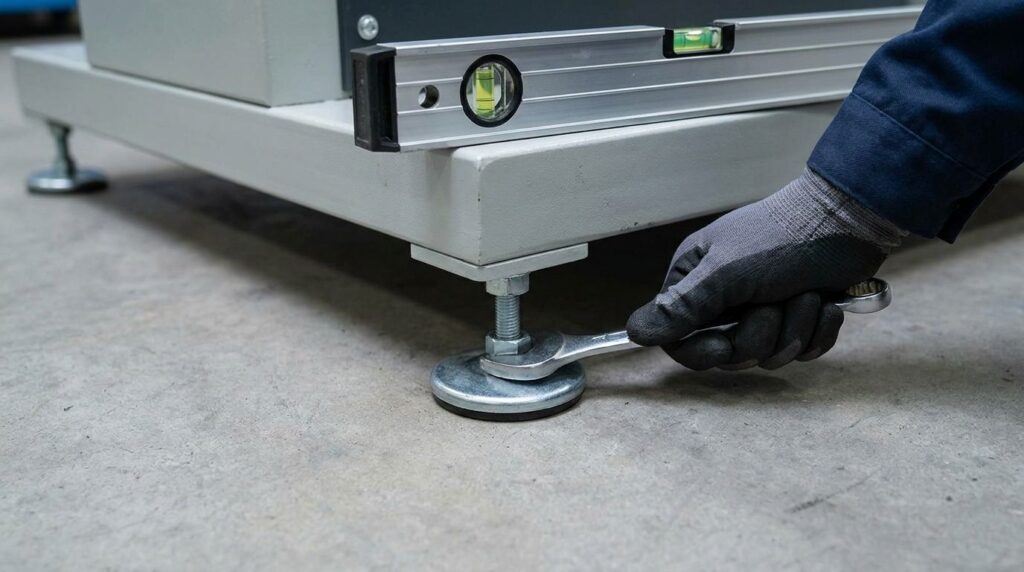
1. Level the Desk Feet (Check the Glide Pads)
Before buying any extra gear, look at the very bottom of your desk setup. Almost every premium standing desk comes with adjustable leveling feet (small screw-in rubber/plastic pads under the desk legs).
If your floor is even slightly uneven, one foot might not be making full contact with the ground.
- The Fix: Gently rotate each leveling pad until all four corners are firmly pressing against the floor. Eliminate that tiny gap, and you’ll eliminate 40% of the minor wobble instantly.
2. Tighten Every Single Bolt (The Maintenance Check)
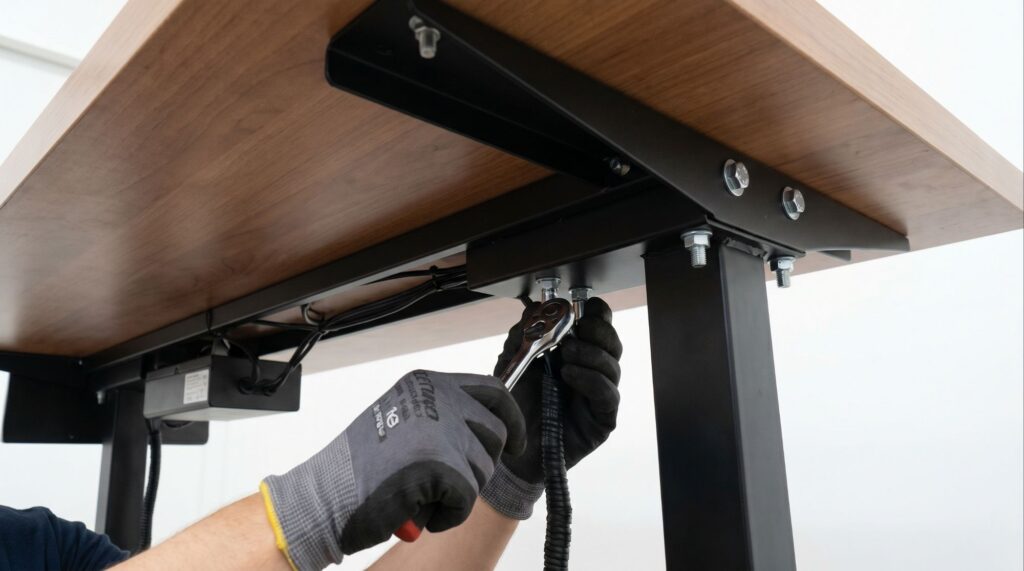
Over months of raising and lowering your desk, the motorized vibrations can slowly loosen the structural screws hidden underneath your tabletop.
- The Fix: Grab an Allen wrench or screwdriver and tighten every single bolt connecting the motorized frame to the wooden tabletop, as well as the crossbar joints. A loose frame is the number one cause of side-to-side instability.
3. Use a Monitor Mount Reinforcement Plate
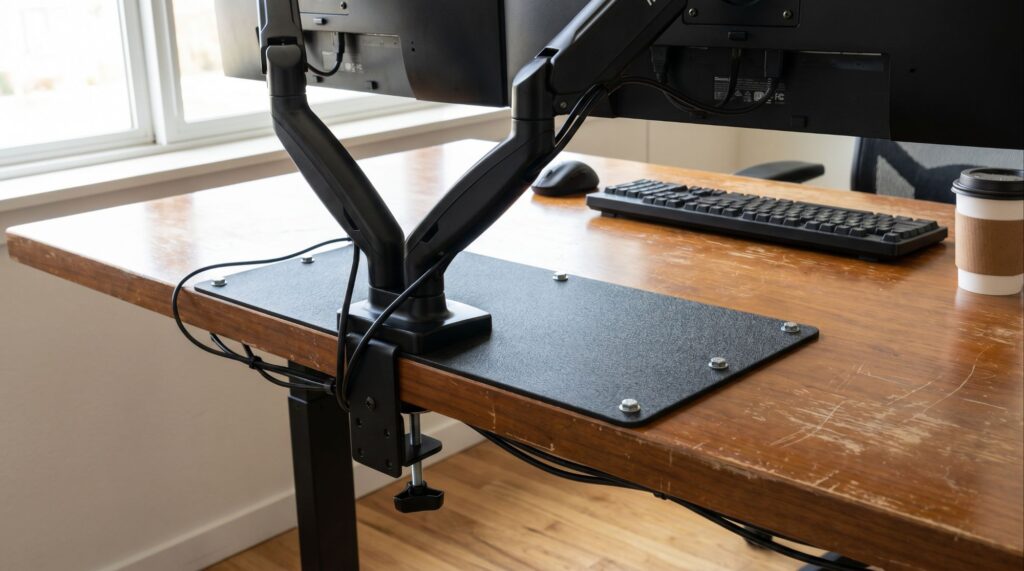
If your desk feels steady but your screens are shaking like crazy, the issue isn’t your desk frame, it’s your monitor arm. When you mount heavy dual monitors on a single clamp, all that torque is concentrated on one small spot of your desktop or desk shelf. Over time, it causes a forward tilt and aggressive vibrations
- The Fix: Install a Monitor Mount Reinforcement Plate (available easily on Amazon). This steel plate sandwiches your desktop, spreading the heavy weight and torque across a much wider surface area. It stops the bending completely and cuts down the monitor wobble immediately.
4. Adjust the Weight Distribution
Is your heavy desktop PC tower sitting entirely on one side of the desk? An unbalanced standing desk will wobble significantly more on the heavier side because the motorized legs are under uneven stress.
- The Fix: Balance your ergonomics and weight. Place heavy items like a CPU tower or bulky studio monitors closer to the center or split them evenly between the left and right sides of the desk frame.
5. Push It Closer to the Wall (With a Gap)
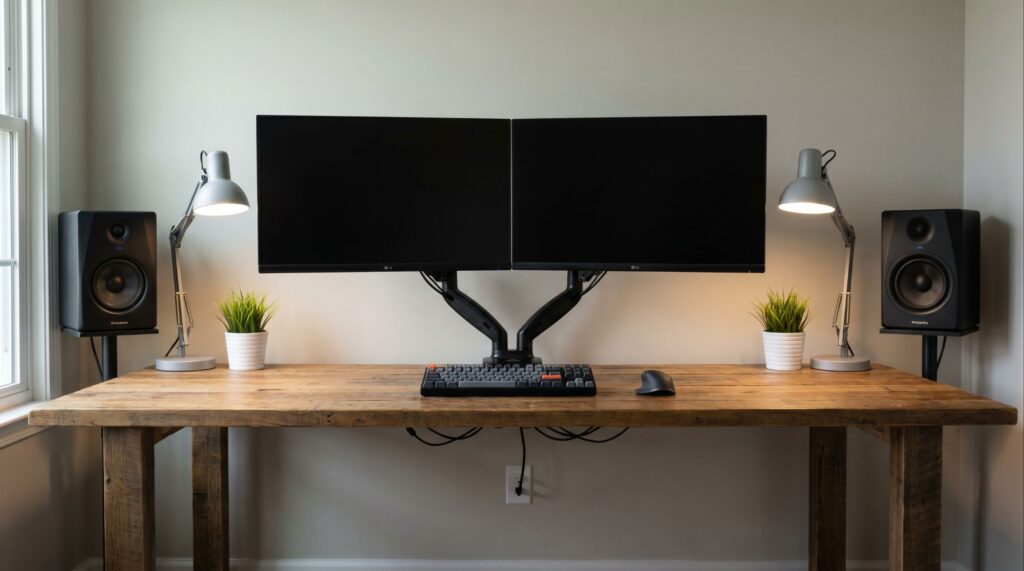
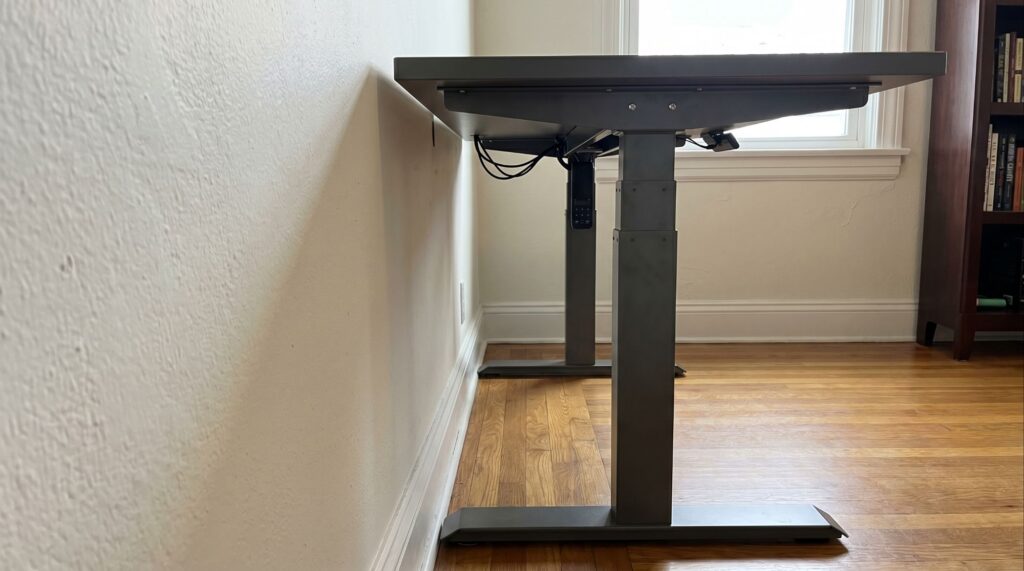
If your desk is placed in the exact center of a room, it lacks structural anchoring. While you shouldn’t jam it completely against the wall (which can scratch the drywall when moving up and down), keeping it close helps.
- The Fix: Position your desk about 1–2 inches away from the wall. For extreme cases of wobble, you can use specialized foam spacer blocks between the back of the desktop and the wall to absorb typing vibrations without restricting the motor.
Conclusion: Protect Your Workspace
A shaky desk setup isn’t just annoying; it ruins your productivity and strains your eyes over long working hours. By leveling the feet, balancing the weight, and reinforcing your monitor mounts, you can turn a cheap, wobbly frame into a premium, rock-solid workstation.
Struggling with Your Desk Stability? Talk to Our Experts Live!
💬 Is your desk setup still shaking? Every workspace layout, flooring, and weight distribution is unique, which is why generic troubleshooting tips don’t always work for everyone. If you want one-to-one custom advice where you can share your specific desk problem with a human expert, we’ve got you covered!
You can share your desk brand, monitor sizes, or weight concerns directly with our team to get a tailored solution. Send us a message through our contact form. Our workspace experts are online to chat with you in real-time and help you fix your desk wobble instantly!

I got interested in home office setups and noticed most buying guides online tell you if a product is ‘good,’ but never tell you if it will actually fit your specific desk. Does It Fit My Team exists to close that gap, with real measurements, verified sources, and straight answers.
Pingback: Will a Cable Tray Fit Your Standing Desk? (Compatibility Guide)
Pingback: Do Monitor Arms Damage Desks? Risks, Prevention & Desk Types
Pingback: Will a Monitor Arm Make a Standing Desk Wobble? Complete Physics & Setup Guide - doesitfitmy.com
Pingback: Why Does My Standing Desk Wobble on Carpet? Causes, Fixes & What Actually Works
Pingback: Will a Monitor Mount Fit Your Adjustable Desk? (Do Not Order Until You See This) - Does It Fit My